Digital Business Cards for Modern Professional Networking
Digital business cards are modern digital contact profiles that allow professionals to share information instantly using QR codes, NFC, or secure links. Unlike traditional paper cards, digital cards store contact details online and can be updated anytime.
This guide explains what digital business cards are, how they work, where they are used, and why they are replacing paper cards across modern professional networking.
What Are Digital Business Cards?
Digital business cards are online professional contact profiles that replace traditional printed cards. Instead of exchanging paper, professionals share a digital profile that opens instantly on a smartphone.
These profiles can be accessed through QR codes, NFC technology, or secure web links and contain up-to-date contact information.
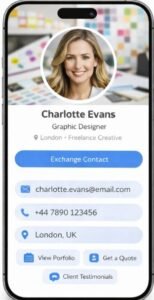
Information Included in a Digital Profile
A typical digital profile may include:
Full name and professional role
Company or organisation details
Phone number and email address
Website and professional social links
Because the information is stored online, updates happen instantly. Anyone opening the profile always sees the most current contact details.
Why Professionals Are Moving Beyond Paper Cards
Paper business cards were designed for a time when networking happened mostly face-to-face. Today’s professional environment is far more flexible.
Common Issues with Printed Cards
Cards get lost after meetings
Contact details change frequently
No support for online follow-ups
Ongoing printing costs
Modern digital contact profiles solve these issues by offering one reusable solution that works across both in-person and online interactions.
How Smart Business Cards Work
Smart business cards rely on simple technologies already available on modern smartphones and browsers.
Sharing Contact Details with QR Codes
QR codes allow contacts to scan and open a profile instantly in a web browser. This method works on all smartphones and does not require an app.
You can learn more about how QR technology works from the official QR Code resource.
Sharing Contact Details Using NFC
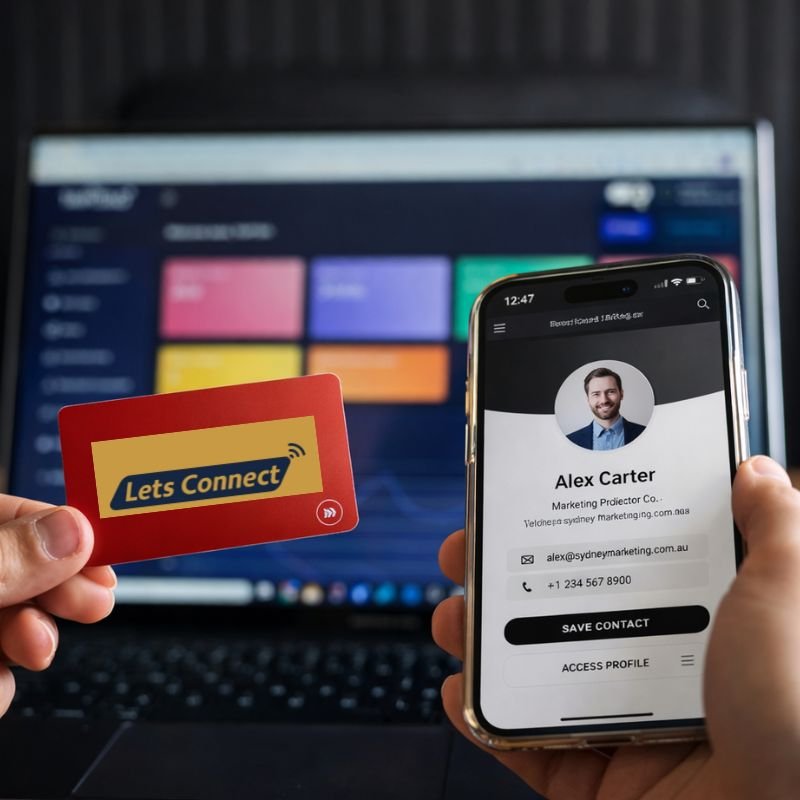
Some smart contact cards use Near Field Communication (NFC). A short tap between the card and a phone automatically opens the profile. Learn more about NFC Business Cards UK and how tap-based sharing works in professional environments.
Sharing Through Secure Links
Profiles can also be shared through secure links via email, messaging apps, or professional platforms such as LinkedIn.
Types of Digital Business Cards
Professionals usually choose a format based on how they connect with others.
Smart Contact Cards
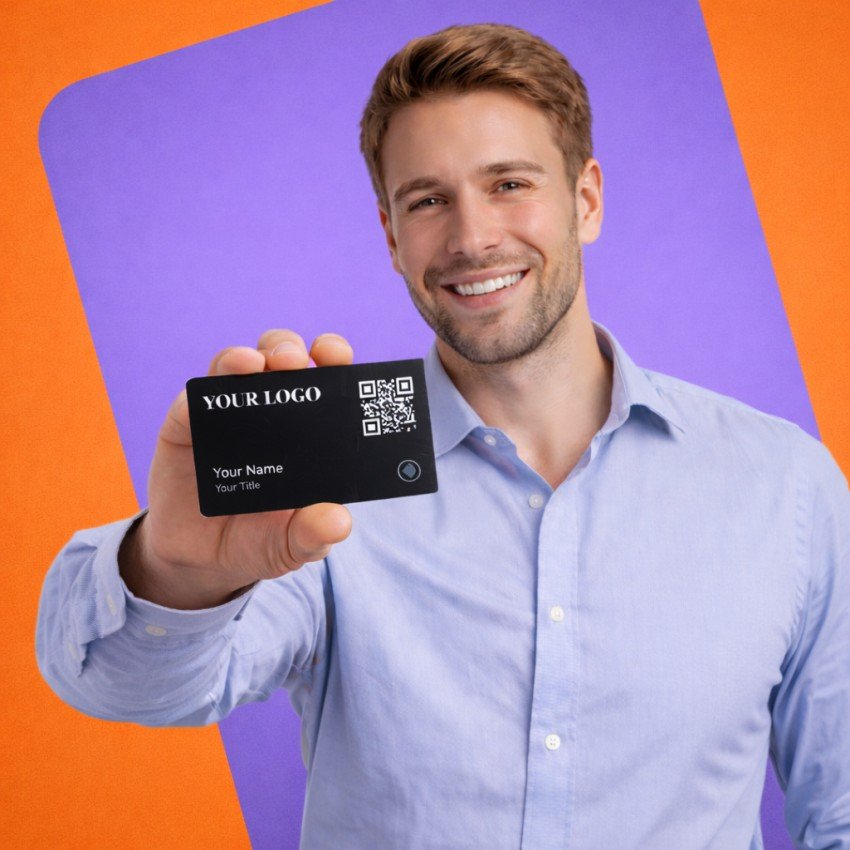
Smart cards combine a physical NFC business card with a digital profile. They are commonly used at conferences, meetings, and networking events.
Virtual Contact Cards
Virtual cards exist entirely online and are shared through email signatures, websites, video calls, and online profiles.
Both formats connect to the same underlying profile, offering flexibility across different situations.
When Digital Business Cards Are Most Useful
These digital contact solutions are especially valuable when:
You meet new contacts frequently
Your role or contact details change often
You work remotely or in hybrid teams
You want faster and more reliable follow-ups
These everyday scenarios explain why many professionals rely on smart contact cards as a modern networking tool.
Virtual Business Cards vs Paper Business Cards
| Feature | Digital Business Cards | Paper Business Cards |
|---|---|---|
| Updates | Instant | Not possible |
| Sharing | Online & in-person | In-person only |
| Lifespan | Long-term | Short |
| Cost | Lower | Higher |
| Environmental impact | Reduced | Higher |
Choosing the Right Electronic Business Card Format
The right modern networking card format depends on how you connect:
In-person meetings → NFC digital business cards
Online communication → Virtual digital business cards
Mixed usage → Combination
Explore our full range of digital networking solutions in our Product Hub.
Digital Business Cards for Individuals
Individual professionals often prefer digital profiles because they are easy to manage and quick to share.
Common Individual Users
Freelancers
Consultants
Independent professionals
Digital Business Cards for Individuals
Digital Business Cards for Businesses and Teams
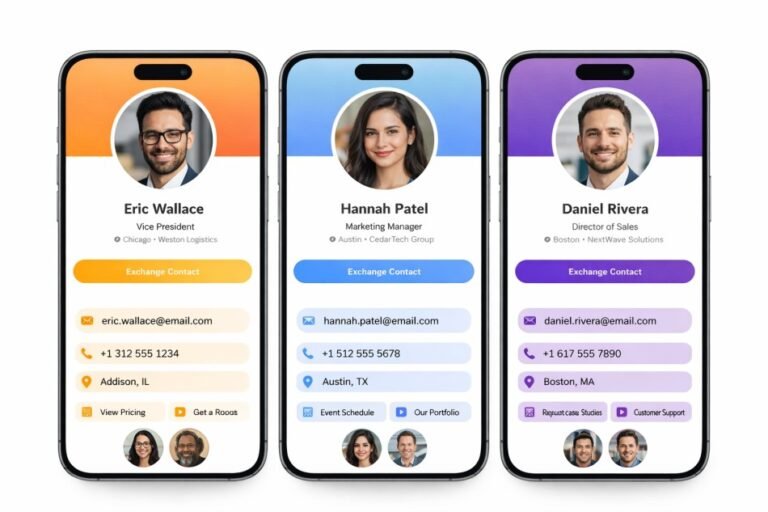
Organisations use centralised digital contact systems to keep branding consistent and contact details accurate across teams.
Business Benefits
Centralised contact management
Faster onboarding for new employees
Consistent brand presentation
Reduced printing and administration costs
Explore Digital Business Cards for Teams.
Frequently Asked Questions About Digital Business Cards
They are used to share professional contact details quickly during meetings, events, and online interactions.
QR codes and secure links work on all phones, and NFC works on most modern devices.
No. Most profiles open directly in a web browser.
Yes. Updates are applied instantly and are visible to everyone.
Your digital profile remains active and can be reassigned.
This is one of the most common topics covered in our digital business cards FAQ because professionals want clarity before switching to smart networking.
If you are comparing options before upgrading, this digital business cards FAQ gives clear answers based on real professional use cases. The goal of this digital business cards FAQ is to remove confusion and help you choose a smarter, paper-free way to share contact details.
Explore Digital Business Card Options
If you want a modern and flexible way to share contact details, digital profiles offer a practical upgrade from paper cards.
For professionals ready to switch, you can Buy NFC Digital Business Card solutions designed for instant tap sharing and long-term networking efficiency.